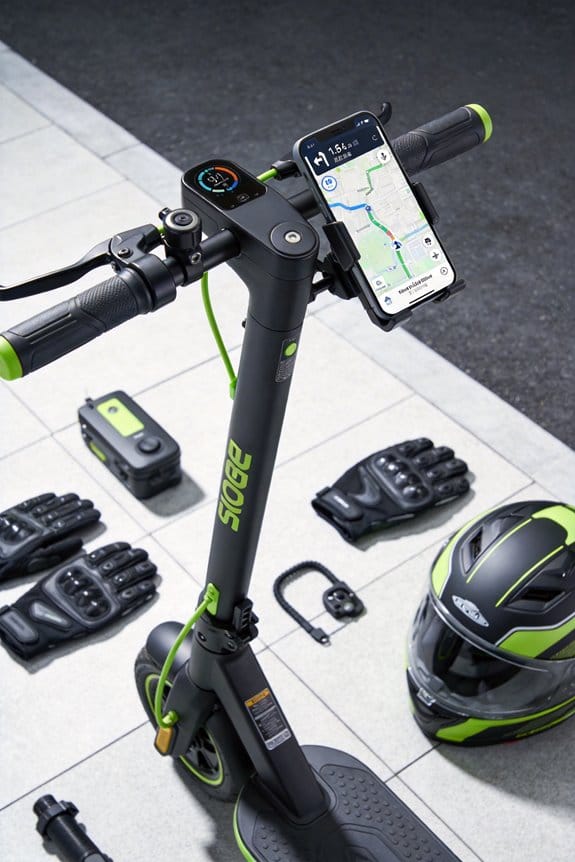

I wear shoes with a 5 mm tread, reinforced toe box and reflective strips, a high‑visibility vest with at least 3 inches of reflective material, and a helmet with a visor and magnetic Bluetooth earbud. I mount a 5‑inch screen on the handlebar at a 30° angle, using a 180° swivel mount that locks securely and holds up to 5 kg. I set the app to give turn‑by‑turn audio every five seconds, flash green at 5 meters, and vibrate for lane changes. I keep my front foot centered, back foot angled outward, knees bent, and scan 10–15 m ahead while listening. I download offline maps, set a 5‑km geofence, and enable speed warnings at 12 km/h in crowds and 18 km/h on open lanes. If you keep reading, you’ll discover more details.
Key Takeaways
- Use a single earbud for audio navigation, keeping ambient sounds audible and allowing you to hear traffic and GPS prompts without visual distraction.
- Mount the display at a 30° angle on the handlebar, tilted up, so you can glance at it for no more than 3‑seconds and then look ahead.
- Set the screen to flash green and vibrate when a turn is within 5 meters, providing a quick, low‑glance cue without needing to read details.
- Position your stance with the front foot near the deck center, knees bent, and shoulders relaxed to maintain balance while listening to GPS instructions.
- Pre‑load offline maps and enable geofencing alerts, ensuring navigation works without data lag and you receive timely warnings before reaching route edges.
Choose Footwear & Visibility Gear for Scooter GPS Safety
Ever tried to follow a GPS on a scooter and felt your foot slip just as you’re about to turn? That wobble can turn a simple ride into a risky tumble. I’ve learned a few tricks that keep you steady, visible, and safe while you check directions.
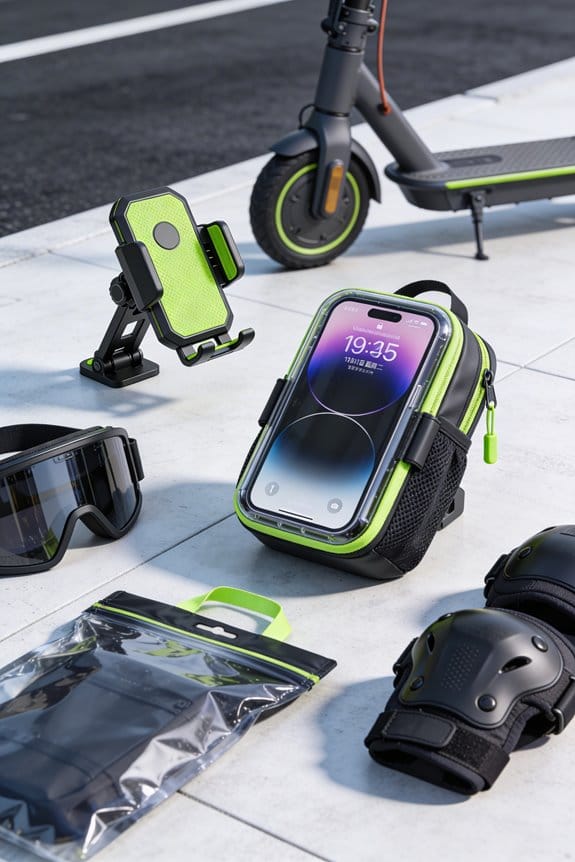
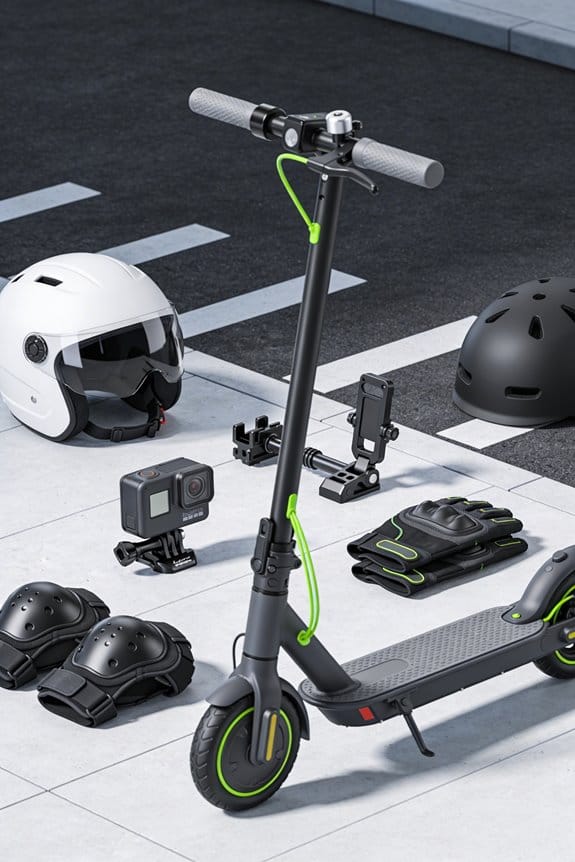
First, pick shoes that hug your foot and have a solid grip. A 5 mm tread works well, and a reinforced toe box helps protect against bumps. Look for a reflective strip on the side – it catches street‑light and makes you easier to spot at night.
Next, a jacket that pops in low light is a must. Neon orange panels or bright reflective tape do the trick, and a zip‑front pocket keeps your phone or GPS device close without digging around. A helmet with a built‑in visor adds extra eye protection and cuts down glare from headlights.
Gloves should feel like a second skin while still giving you a firm hold on the handlebars. Silicone pads on the palm help you grip, and reflective stitching adds a safety bonus when you’re cruising after dark.
- this:
- High‑visibility vest meeting ASTM 1735 standards
- At least 3 inches of reflective material on each side
These pieces work together to keep you balanced, seen, and safe while you check directions.
Frankly, the little details—like a reflective shoe inspection strip—make a big difference when you’re navigating busy streets. Have you tried swapping out any of these items for a more visible version? Give it a go and see how much smoother your rides become.
Plan Your Route Before Riding to Minimize Screen Time
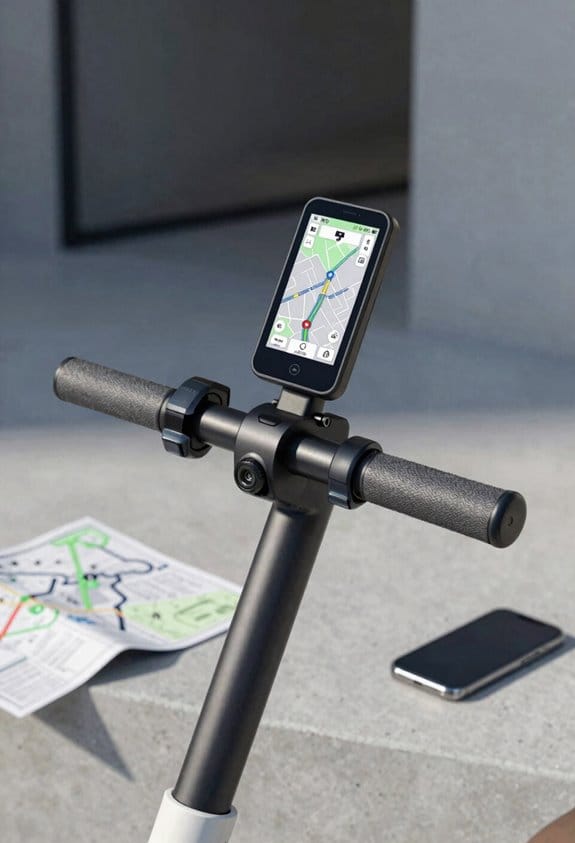
Do you ever feel like your phone’s screen is stealing focus while you’re trying to ride? I’ve found a way to keep my eyes on the road and still know exactly where I’m going.
First, I pull up the route on my phone before I even step onto the scooter. I scroll through each turn, note the bike lanes, traffic lights, and hill grades, then hit “save.” The app stores the path offline, so I can see distance, time, and elevation without any data lag.
Next, I set up a contingency plan for construction, road closures, and heavy rain. That way, if something changes, the app reroutes automatically and I don’t have to glance at the screen mid‑ride. The device gives me a 5‑minute preview, a 1‑minute alert before each turn, and a 30‑second warning for obstacles.
Try this:
- Save the route offline and enable the contingency settings.
- Turn on the pre‑ride rehearsal feature to hear each turn in advance.
I trust the saved path, keep my eyes ahead, and skip those mid‑ride screen checks. It’s a simple habit that makes every ride smoother and safer.
What’s the best way you’ve found to stay focused while riding? Give it a try and see how much more enjoyable your trips become.
Enable Turn‑by‑Turn Audio Navigation for Hands‑Free Guidance
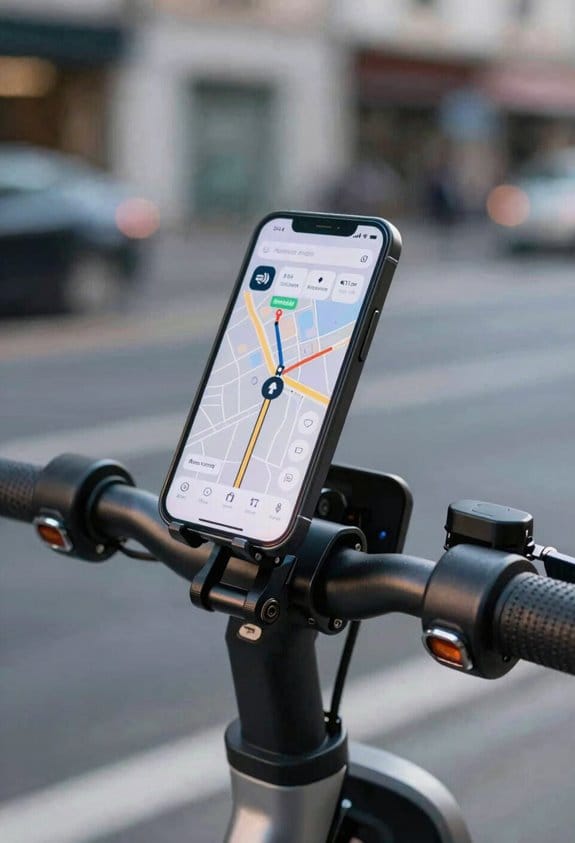
Ever found yourself juggling a phone, a scooter, and a busy street, wishing you could just hear directions without looking down? Turn‑by‑turn audio navigation can fix that, and it’s easier than you think.
When you turn on the feature, the app talks to you every five seconds before a turn. It gives a two‑second heads‑up for lane changes and a quick one‑second buzz if there’s a hazard ahead. I’ve found that clear, concise voice prompts that repeat twice work best for safety.
Pair the app with a single earbud so you still hear ambient sounds. Most riders call this earbud etiquette, and it really helps you stay aware of what’s around you. Pick a Bluetooth model that lasts about ten hours, has a three‑decibel noise‑cancellation setting, and comes with a magnetic clip for easy storage.
The app lets you dial the volume from one to ten, and a double‑tap mutes alerts if you need a quiet moment. Test the whole setup on a short route before you head out for a longer commute.
Worth knowing:
- Set the volume at a level where you can still hear traffic.
- Keep the earbud snug but not too tight to avoid ear fatigue.
Try this: run a quick five‑minute loop around your block, listen for the timing of the spoken directions, and adjust the repeat setting if it feels too fast or slow. You’ll get a feel for how the alerts line up with real‑world turns.
Fair warning: if you’re new to audio cues, it might take a couple of rides before you trust the timing. But once you get the hang of it, you’ll stay focused on the road while the scooter guides you hands‑free.
Ready to give it a go on your next ride?
Mount Your GPS for Strong Signal and Quick Glances
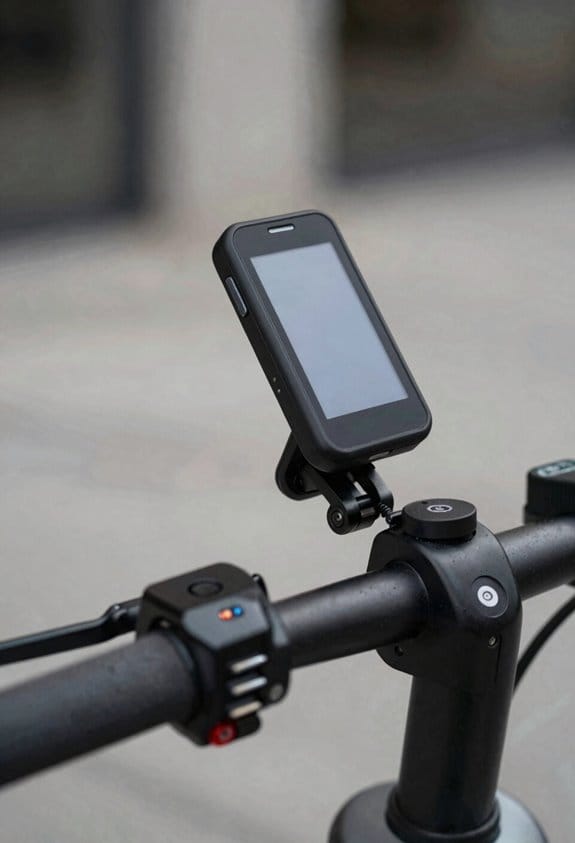
Ever tried to read your GPS while trying to keep your balance on a scooter? It’s a pain when the signal drops or the device slides around. I’ve found a simple setup that lets you glance at your route without wobbling.
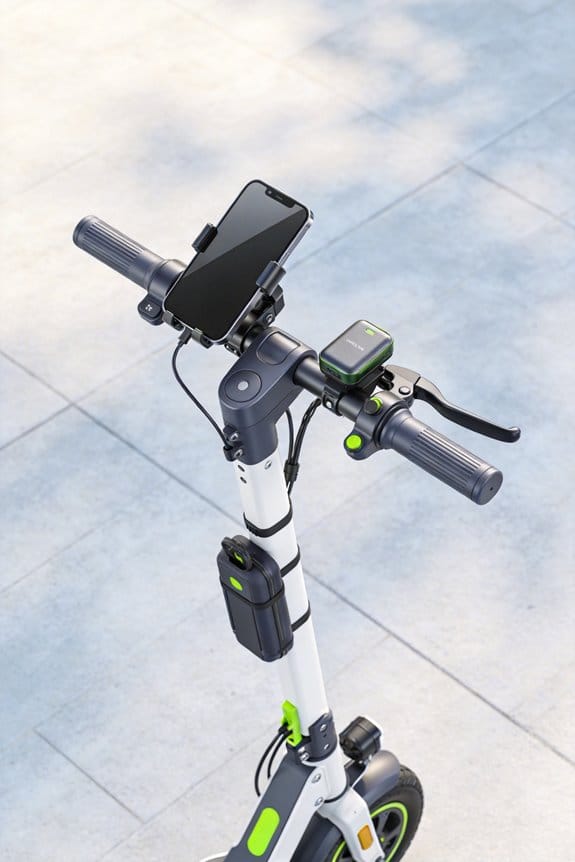
I go with a handle‑bar mount that swivels 180 degrees. The antenna points straight up, so you get a clear sky view and a stronger signal. The low‑profile clip hides the unit, which helps keep it out of sight from thieves while still being easy to check. A 2‑inch wide bracket fits most scooters, and a silicone pad cushions the ride, cutting down on vibration.
Try this:
- Choose a mount that can hold up to 5 kg, so you can swap in a larger tracker if you need to.
- Make sure the lock‑screw tightens securely; you’ll be done in under three minutes.
Honestly, the trick is in the placement. Keep the device level so the screen stays readable, and the swivel lets you turn it toward you when you need a quick look. The silicone pad does a good job of absorbing bumps, so the display stays steady even on rough roads.
I’ve used this setup on a few rides, and the signal stays strong even when I’m weaving through traffic. The discreet clip means you don’t have to worry about someone grabbing the GPS, and the bracket’s width works on most bikes and scooters I’ve tried.
Fair warning: if you mount it too low, the signal can get blocked by your own body. A higher spot gives a clearer line to the sky, which means fewer lost connections.
Do you want a setup that’s fast to install and keeps your GPS safe? Give this a try and see how much smoother your rides become.
Position Feet and Body for Balance While Checking GPS
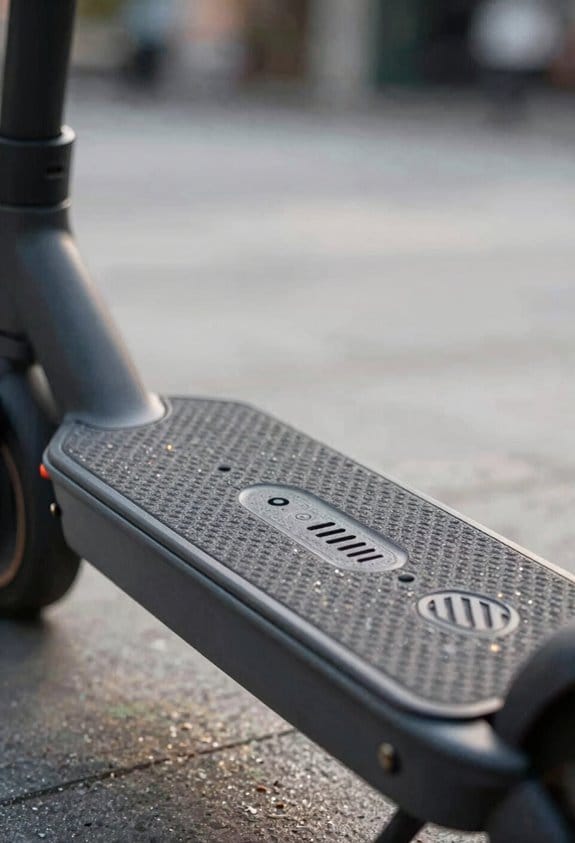
Ever tried to glance at your GPS while riding a scooter and felt like you might tip over?
You need a solid stance that lets you shift weight without losing balance. Put your front foot near the deck’s center, keep your ankle straight, and angle the back foot just a bit outward. Bend your knees a little and pull your core in—this helps you stay steady when you look down for a second.
Your shoulders should stay relaxed, your hands grip the deck lightly, and your hips stay level. The scooter’s 8‑inch deck width gives you a good base, and the 2‑inch foot‑rest ridge keeps your feet from sliding.
Try this:
- Position the front foot near the middle of the deck.
- Angle the back foot outward for extra stability.
A helmet with a visor protects your eyes while you check the screen, and it’s a small habit that makes a big difference.
You’ll find this works well on city streets, bike lanes, and light‑traffic roads.
Fair warning: if you’re not used to bending your knees, start with a shallow bend and build up.
Give it a go next time you need a quick direction check—how does your balance feel?
Scan 10‑15 M Ahead While Listening to Directions
Ever found yourself staring at a tiny screen while trying to stay safe on a scooter? I’ve figured out a way to keep your eyes on the road and still hear every turn cue clearly.
First, set your GPS to speak at a steady 70 dB. That level cuts through wind and traffic noise without hurting your ears. Make the device announce things like “turn left in 20 meters” and “lane change ahead.” You’ll hear the directions before you even need to glance at the screen.
Next, use your peripheral vision. While the GPS talks, glance ahead and let your side eyes catch cars, cyclists, and potholes. Keep your shoulders relaxed, knees bent, and weight centered. This posture lets you shift focus to the sound while staying balanced on the scooter.
Try this:
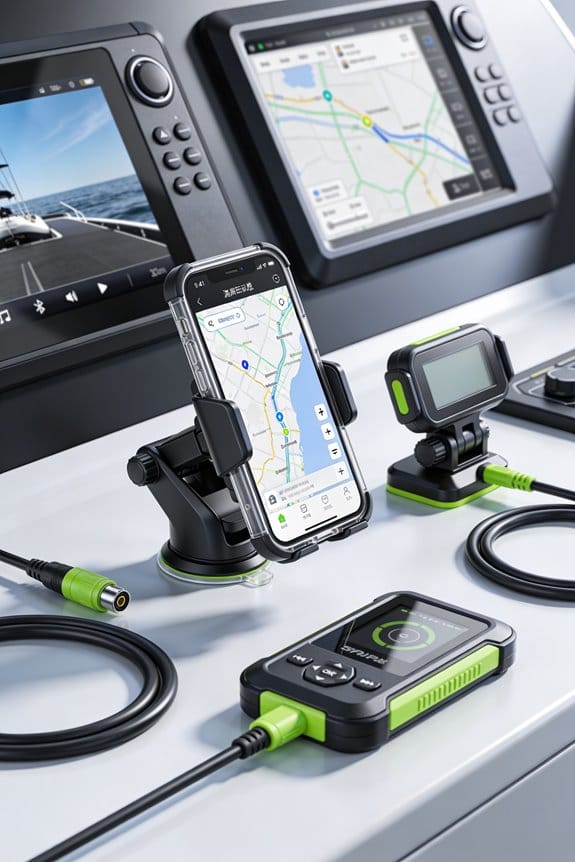
- Keep the 5‑inch screen tilted up so a quick glance gives you a visual cue.
- Trust the audio for the exact distance and direction.
Fair warning: don’t let the screen become a distraction. If you’re constantly looking down, you’ll miss the clues your eyes can pick up from the sides.
Honestly, the combo of steady audio and a relaxed riding stance makes it easy to stay on route without feeling overwhelmed. You’ll find yourself moving smoothly, with fewer sudden brakes or swerves.
Use Offline Maps and Geofencing to Stay on Track
Ever gotten stuck on a bike ride because your phone died or the signal vanished? I’ve found a simple way to keep moving, even when the network drops out.
First, grab the city map while you’re still on Wi‑Fi. Set a geofence with about a 5‑kilometer radius around your home, then turn on offline routing. The app will store turn‑by‑turn directions, so you never need a cellular connection. When you near the edge of the preset area, a quick alert pops up, reminding you to turn back or stay on a bike lane.
Try this:
- Choose a device that offers at least 10 hours of battery life.
- Make sure voice prompts are short—around 3 seconds.
- Set vibration alerts to about half a second for a subtle tap.
I ride roughly 12 miles each day, and the offline maps keep me on track without a signal. The geofence alerts have saved me from wandering onto illegal streets more than once. Your battery lasts longer, you stay focused, and you avoid costly data usage.
Frankly, the whole setup feels like a safety net for cyclists who want to stay in familiar zones. You’ll notice fewer distractions and a smoother ride, especially when you’re juggling traffic and navigation.
What’s your go‑to trick for staying on course when you’re far from Wi‑Fi? Give it a try and see how much easier your rides become.
Leverage Real‑Time Speed & Motion Alerts for Focus
Ever find yourself glancing at your scooter’s app and wondering if you could stay more focused on the road? I used to ignore the alerts until I almost tipped over on a busy street. Now I’ve tweaked the settings so they actually help me ride smarter without pulling my eyes away.
I set the speed warning to kick in at 12 km/h when I’m weaving through crowds, and at 18 km/h on open lanes. The motion alert flashes when the deck tilts more than 5°, giving me a quick cue to straighten out before I have to look down. I also crank the vibration to a medium level—enough to feel, but not enough to startle you.
Frankly, the app logs every alert and shows a chart of speed spikes and sudden moves over the last 30 minutes. Worth knowing: you can glance at that chart after a ride and see where you need to smooth out your speed or balance.
- Keep the speed alerts low for tight streets, higher for clear paths.
- Set vibration to medium so it’s noticeable but not jarring.
These tweaks have made my rides feel steadier, and I spend less time worrying about sudden motions. You’ll notice you can keep your eyes on the GPS and the road at the same time. Give it a try and see how much smoother your rides become. Ready to give your scooter a little extra brain power?
Apply Quick‑Glance Confirmation Techniques Safely
Ever feel like your navigation screen steals your focus while you’re trying to stay safe on the road? I’ve found a simple setup that lets you glance at directions without taking your eyes off the path.
I use a 2‑inch high‑contrast display that breaks the map into bite‑size chunks. One block reads in about three seconds, and the screen flashes green when the next turn is within five meters. That flash pops up in your peripheral vision, so you don’t have to look straight at it. I mount the device at a 30‑degree angle on the handlebar, which lets my eyes scan 10‑15 meters ahead while still catching the flash. The app also hides the details after three seconds, so the screen stays clean once I’ve confirmed the turn.
Try this:
- Enable vibration alerts for lane changes; the buzz lets you feel the cue while your gaze stays forward.
- Turn on the auto‑hide feature so the map disappears after you’ve confirmed the direction.
Frankly, this arrangement cuts down on screen time, helps you keep balance, and stays within safety guidelines. You’ll still get the info you need, but it won’t dominate your view.
Do you ever wonder how to keep your phone handy without it becoming a distraction? With a few tweaks, you can keep your eyes on the road and your mind on the journey.
Give it a go and see how much smoother your rides feel. Ready to try a safer, smarter navigation setup?
Frequently Asked Questions
Can I Use a Smartwatch for GPS Audio Prompts While Riding?
I use a smartwatch for GPS audio prompts while riding, but I follow smartwatch etiquette—keep volume moderate, avoid frequent voice commands, and watch for audio delays that could distract me from road hazards.
Will a Rain‑Proof Case Affect GPS Signal Strength?
I’ve found that a rain‑proof case can cause waterproof interference and slight signal attenuation, but if it’s thin‑walled and properly sealed it usually won’t cripple GPS performance while you’re riding.
Is It Safe to Ride With a Helmet-Mounted Heads‑Up Display?
I think it’s safe, as long as the helmet‑mounted heads‑up display offers clear night vision and minimal display latency, letting me glance at navigation without blur or lag while I glide smoothly.
Do I Need to Calibrate the Scooter’s Suspension for Better GPS Handling?
I’d say you don’t need full suspension tuning for GPS handling; just make sure ride damping feels smooth enough so the scooter stays steady when you glance at directions, preventing wobble and distraction.
Can I Enable Voice‑Activated Commands to Change Routes Mid‑Ride?
I’ll tell you: yes, you can enable voice activation for mid‑ride route changes, and many apps also support gesture control, letting you switch paths without taking your hands off the scooter.