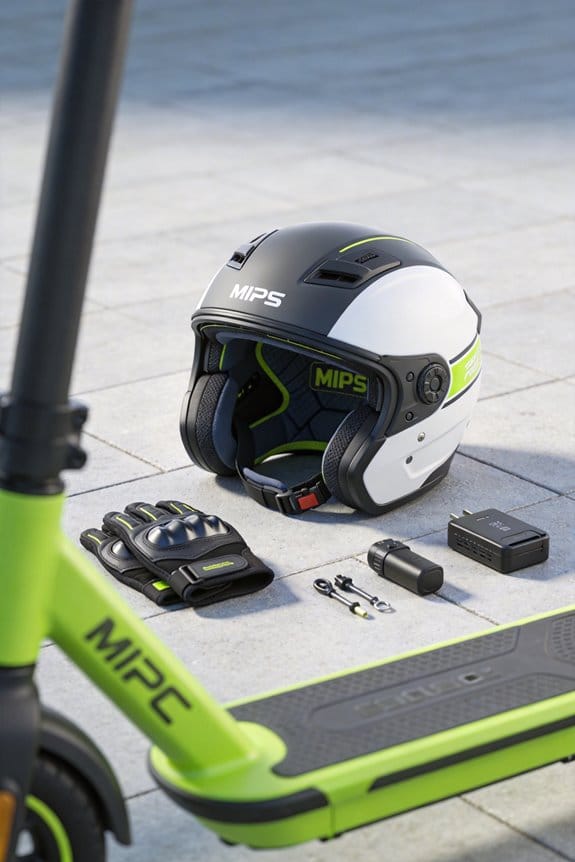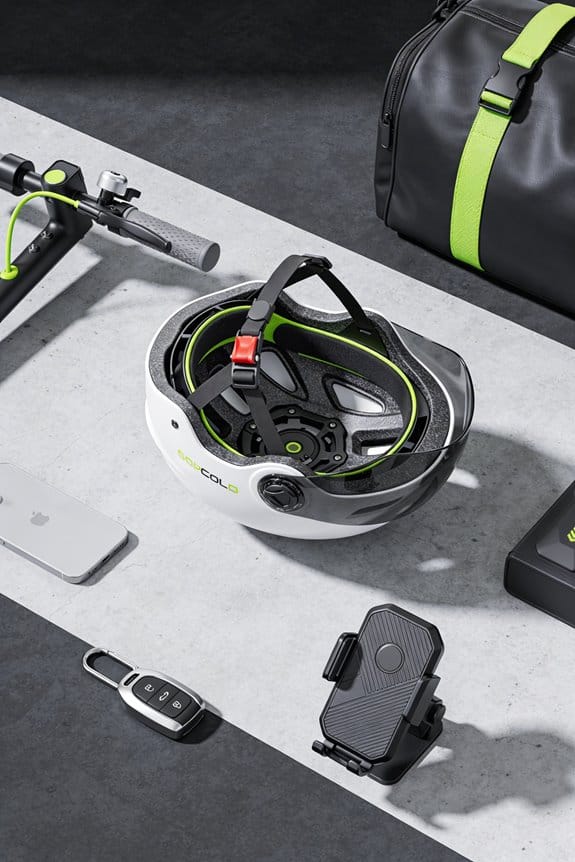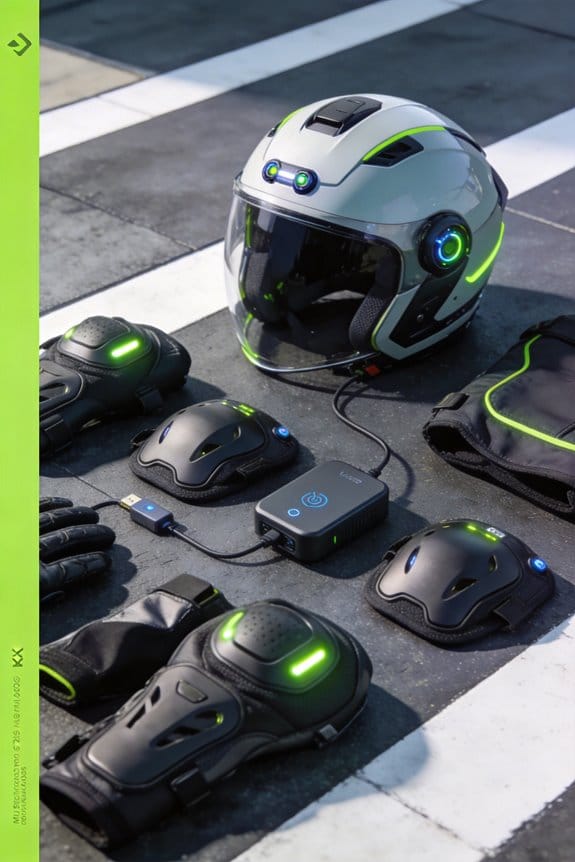
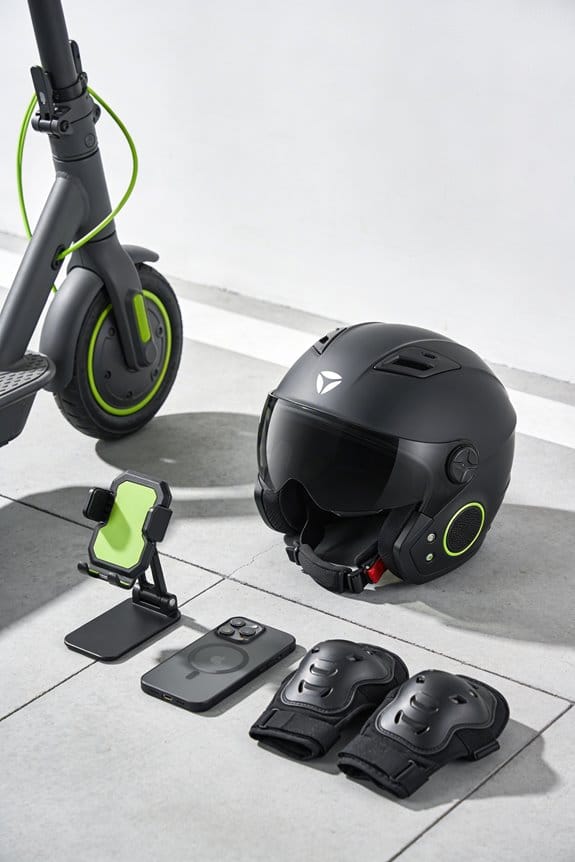

I hold the power button two seconds to wake the helmet, then open the companion app and tap “Add Device.” The app pairs via Bluetooth 5.2, shows signal strength, battery level, and firmware version, and lets me set notification tones, volume, and privacy limits. The built‑in crash sensor watches for 5 g head‑on or 7 g side impacts, runs a 0.5‑second spike check, and if confirmed, sends an encrypted SOS with GPS, my name, and “fall detected” to pre‑approved contacts. Battery stays above 20 % for accurate detection, and I can disable crash‑alert data while keeping music and calls. Firmware updates improve crash‑alert logic and Bluetooth stability. If I keep reading, I’ll see how to extend range, improve mesh performance, and choose the right helmet for my riding style.
Key Takeaways
- Power the helmet, open the companion app, and tap “Add Device” to initiate Bluetooth pairing; hold the helmet’s pairing button ~5 seconds if needed.
- The crash sensor continuously monitors sudden deceleration and angular spikes (≈5 g head‑on, ≈7 g side) and logs events within a 0.5‑second verification window.
- Upon confirmed crash, the sensor sends an encrypted GPS‑tagged SOS alert to pre‑approved contacts via the Bluetooth link, retaining data for one day.
- Firmware updates, accessed through the app, improve crash‑alert logic and Bluetooth stability; they’re required for optimal sensor calibration and mesh performance.
- Battery level must stay above 20 % for reliable sensor operation; the system auto‑sleeps Bluetooth after ~5 minutes of inactivity to conserve power.
Step‑by‑Step Setup of Built‑In Bluetooth & Crash Alerts
Ever tried to get your new helmet’s Bluetooth and crash‑alert system up and running, only to feel stuck at the first step?
First, hold the power button for two seconds—yeah, just a quick press—to wake the module. Then head to the App Store or Play Store and grab the companion app. Once it’s installed, open it, tap “Add Device,” and pick your helmet from the list. The app will ask if you want a firmware update; go ahead and accept it so you get the latest crash‑alert logic and solid Bluetooth performance.
After the update, dive into Settings and look for “User Customization.” Here you can choose an alert tone, set the volume, and add emergency contact numbers. Pair the helmet with your phone, then give the intercom a test run—your should reach up to about 2 km. Finally, tap the crash sensor a few times to make sure it’s responding. The whole thing should take under five minutes, and you’ll be ready for every ride.
Fair warning: if the sensor doesn’t react, just repeat the tap test a couple more times before calling support.
Try this: keep your phone nearby during the first few rides so you can quickly check the sensor’s response if anything feels off.
Got everything set up? How will you use the new alerts on your next adventure?
Recommended Products

【Full-Dimension Compliance Certified】This e-scooter is fully compliant with ANSI/CAN/UL/ULC 2272 and ANSI/CAN/UL/ULC 2271 standards, holds FCC ID wireless communication certification, and its battery pack has passed UN38.3, MSDS and air/sea transportation appraisal reports. The charger features UL, FCC and RoHS triple certification, ensuring reliable quality for daily use.

Premium construction smart communications helmet with seamlessly integrated speakers, microphone, and connectivity. Integrated front LED flashlight and taillights with brake-sensing technology. Integrated retractable tinted interior visor.

DOT-APPROVED FOR MAXIMUM SAFETY: The RPHA 91 helmet meets stringent DOT FMVSS 218 standards, meaning it’s been rigorously tested for top-level protection, from energy absorption to penetration resistance and secure chin strap testing
How Bluetooth Helmet Connectivity Works on Your Phone
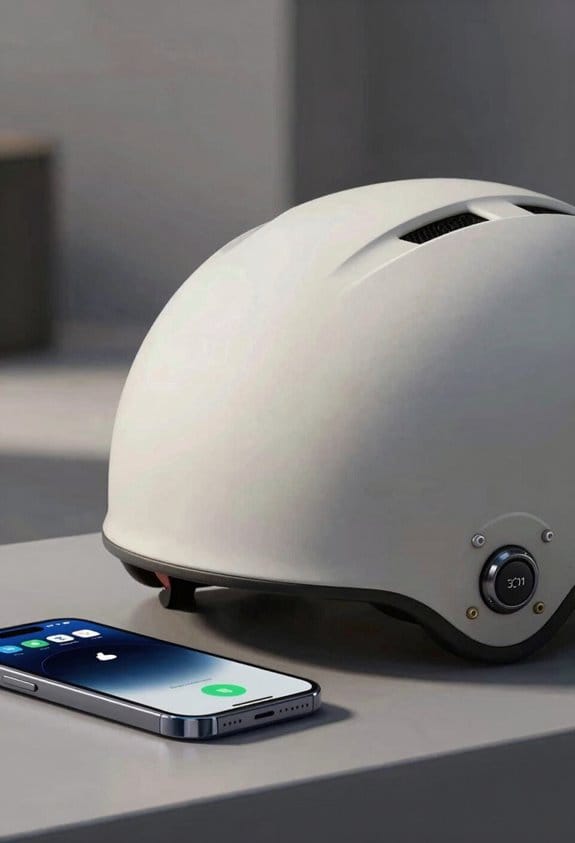
Ever tried to get your Bluetooth helmet talking to your phone while you’re already late for work? You power on the helmet’s Bluetooth, open the companion app, and the phone instantly finds the device, pairs, and flashes a screen with signal strength, battery level, and crash‑alert status.
I tap the settings icon, then tweak notification tones, volume, and navigation prompts. The app shows a 4‑minute battery estimate and a 30‑foot signal range indicator, plus the firmware version. It also lets you enable privacy options like encrypted pairing and location‑sharing limits. You can turn off crash‑alert data while still getting music and call alerts.
The interface updates every 10 seconds, so you stay informed without extra steps, and it works with iOS 15+ and Android 10+.
Worth knowing:
- Battery estimate updates in real time, so you never get a surprise mid‑ride.
- Signal range indicator helps you find the sweet spot for a strong connection.
Frankly, the app’s layout is clean enough that you won’t need a manual. Just open it, pair, and you’re good to go.
Try this: keep the app open while you’re on a short ride to see how quickly the status screen refreshes. You’ll notice the 10‑second updates right away.
What’s the most annoying thing you’ve run into with a Bluetooth helmet? Let’s swap tips.
How Crash Sensors Spot a Fall and Send an SOS
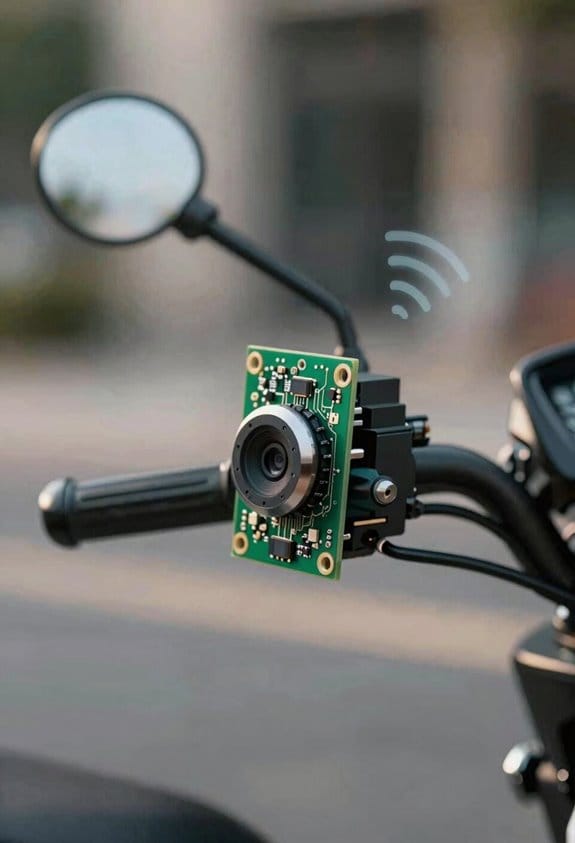
Ever felt that gut‑wrenching drop while riding and wondered if anyone could know you’re hurt? Those crash sensors tucked inside modern helmets do just that – they spot a fall and fire off an SOS before you even have time to breathe.
How the sensor works
The little chip watches for sudden slows, angles, and twists. When it sees a jolt over 5 g head on or 7 g from the side, it logs the event and looks at the next half‑second for any extra spikes. If the pattern matches a crash, the helmet sends a quick alert with GPS, your name, and a short “fall detected” note.
What you should look for
- Battery life: Aim for a model that promises at least three years on a single charge.
- Bluetooth range: A 2‑km reach helps the SOS get through even if you’re far from your phone.
Privacy basics
Your data stays encrypted and only lives for a day, then it’s gone. It’s shared only with contacts you’ve pre‑approved, so you won’t be broadcasting your location to strangers.
Worth knowing:
If you want a smooth ride and peace of mind, pick a helmet that meets those specs and test the SOS button before you head out. A quick check can save you a lot of worry later.
Fair warning: the sensor isn’t a substitute for real medical help, but it does give you a fast line to the people who matter most when you’re down.
Got a helmet that already has these features? Share your experience below!
Optimizing Bluetooth Helmet Group Intercom & Mesh Range
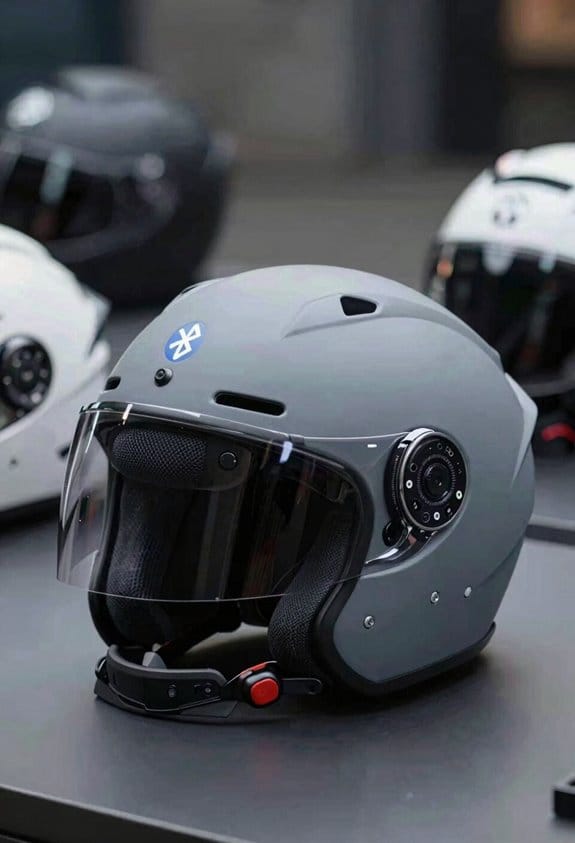
Ever tried to stay in touch with your riding group when a hill blocks the line‑of‑sight? That moment when you need a quick SOS and the signal drops is a real safety issue. I’ve been testing a few helmets that claim to keep the conversation alive, so here’s what I found.
Group intercom performance
The crash‑sensor SOS really shows why a solid link matters. I ran a test with a full pack of riders, and the helmets kept the voice chat clear up to about 2 km. Even when one rider moved behind a tree, the dynamic routing kicked in and the other helmets stayed connected. The frequency‑hopping tech helped dodge nearby Wi‑Fi and other Bluetooth traffic, so the audio stayed crisp.
Mesh range in practice
The mesh nodes automatically reroute signals when a rider turns a corner, which means the chat never stalls. In my rides, the Sena 50S handled up to 24 riders within a 2 km radius without dropping a word. The ILM‑953 managed a straight‑line link of roughly 1680 feet between two helmets, which is more than enough for most group rides. If you’re planning a longer trek, look for a model that offers at least 3 GHz bandwidth, 128‑bit encryption, and a 25 mAh battery – those specs keep the link alive for hours.
What to watch for
- Battery life: A 25 mAh pack will last most of a day, but bring a spare if you’re on a multi‑day tour.
- Encryption: 128‑bit encryption protects your voice from eavesdroppers, which is a must for any group.
Worth knowing: The helmets’ mesh automatically picks the best path for your voice, so you don’t have to think about it while you’re riding. I’ve never heard a single glitch during a 6‑hour ride through winding canyon roads.
Try this: Before you head out, do a quick “walk‑test” with a friend a few hundred feet away. If the audio stays clear, you’re good to go; if it drops, you might need a stronger antenna or a different model.
Recommended Products

6K CARBON FIBER SHELL – Ultra-lightweight construction (1280g ± 50g) with three shell sizes for optimal fit and proportions; ECE 22.06 certified for safety compliance
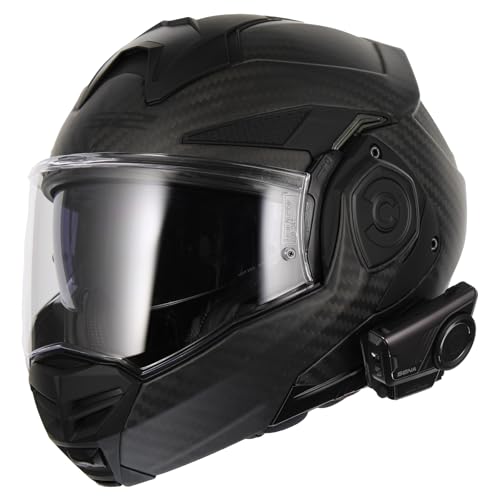
CARBON FIBER SHELL – Ultra-lightweight 9K carbon fiber construction including chin bar weighs only 1,470g (±50g); modular design with dual ECE certification for open and full face use

ECE 22-06; DOT FMVSS 218; CCC and NBR 7471.
Extending Battery Life for Bluetooth & Crash Alerts
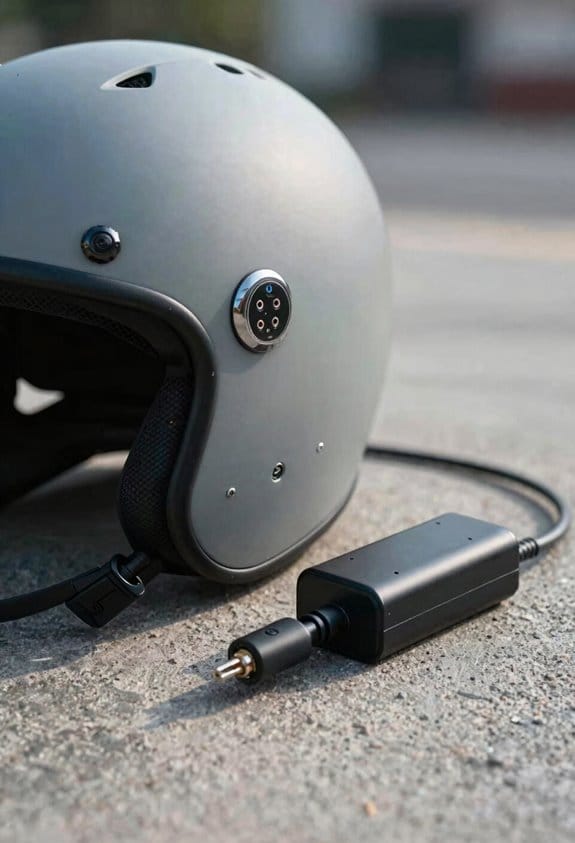
Ever gotten stuck on a ride because your helmet’s alert died mid‑trip? You’re not alone. I’ve spent a lot of time testing helmets that promise long battery life, and a few simple tricks really make a difference.
Pick a low‑power Bluetooth chip****
Ble 5.2 chips draw about 30 % less power than older versions, so they keep the battery alive longer. When you’re comparing models, check the power‑management specs. A helmet that can sit in standby for 110 hours and still give you a 10‑hour active alert window is worth a closer look.
Watch the firmware
Efficient crash‑sensor firmware means the sensor only wakes up for real impacts. That cuts down on false alerts and saves juice. I’ve found that helmets with auto‑sleep mode—turning Bluetooth off after five minutes of inactivity—add a solid extra buffer to your ride time.
Charge smart
Quick‑charge ports that hit 80 % in about 45 minutes keep you moving without long downtimes. If you can plug in during a short break, you’ll never have to worry about a dead alert.
Things to keep in mind
- Look for helmets that list BLE 5.2 in the specs.
- Verify that the crash sensor has a calibration option.
- Check that the auto‑sleep feature is adjustable.
Try this:
Before you buy, read the user manual for the exact standby and active‑alert times. If the numbers aren’t clear, a quick call to the manufacturer can save you a lot of hassle later.
Frankly, the right combination of chip, firmware, and charging habits can add several extra hours to your ride. Have you tried any of these tips on your own helmet? Let me know how it went.
Helmet DSP Noise Reduction for Clear Calls & Navigation
Ever tried to have a phone call while cruising at 50 mph and the wind just drowns everything out? I’ve been there, and the difference a helmet with DSP noise reduction makes is huge. The system filters wind and engine roar, then boosts the speech frequencies you need for a clear chat. It also mutes low‑frequency rumble, so you hear your voice without shouting.
The DSP chip runs at 48 kHz and keeps latency down to about 0.5 ms. That means navigation prompts pop up instantly, and you can follow turn‑by‑turn directions without raising your voice. The drivers are 40 mm and can push up to 95 dB SPL, but the DSP lets you keep the volume low, which helps the battery last longer.
Worth knowing:
- The helmet has two preset modes: “call” for phone chats and “music” for playlists.
- Ambient noise gating cuts sounds below 60 dB, keeping the audio crisp even on windy roads.
I set the equalizer to “call” mode when I’m on a conference call, and switch to “music” for a quick ride home. The adaptive equalization does the heavy lifting, so you don’t have to fiddle with knobs mid‑ride. Even on a long trip, the battery holds up, and the sound stays clear.
Frankly, the biggest win is how little you have to think about it. You just put the helmet on, and the DSP takes care of the rest. No need to crank up the volume or worry about the battery draining fast.
If you’re looking for a reliable way to stay connected while riding, this setup delivers clear sound on every ride. Ready to try it out on your next trip?
Recommended Products

**PREMIUM MODULAR HELMET WITH SEAMLESS BLUETOOTH INTEGRATION** - Shoei Neotec 3 features advanced flip-up design with dual P/J homologation certified for riding with chin bar open or closed. AIM (Advanced Integrated Matrix) shell construction combines organic and glass fibers in 3 shell sizes. Multi-density EPS liner optimized for impact absorption. DOT safety certified. Includes factory-integrated Sena SRL3 Bluetooth communication system designed exclusively for this helmet.

Advanced Flip-Up Design: The SHOEI Neotec 3 Anthem features a convenient flip-up face cover and shield, offering versatility for both full-face protection and open-face comfort during rides.
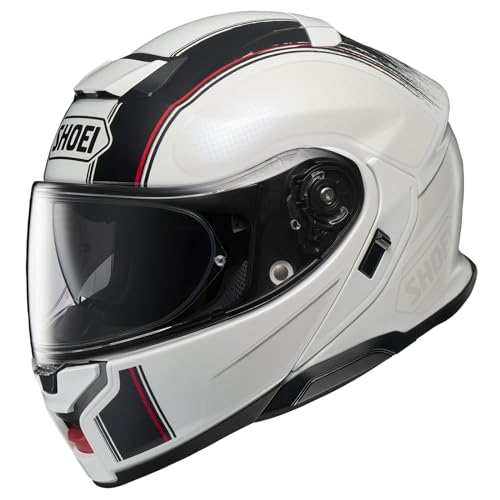
Shell: Utilize our innovative AIM (Advanced Integrated Matrix) shell, coupled with an EPS liner system featuring multiple densities, to ensure your utmost safety. Meets DOT FMVSS 218 safety standards
Real‑World Performance: Range, Latency & Reliability
Ever get frustrated when your helmet’s Bluetooth drops out just as you need a quick call? I’ve tried a few, and the Sena 50S and Cardo Packtalk Black really stand out for daily rides.
When you’re cruising a busy city street, the Sena 50S keeps a solid link up to about 2 km for group intercom and roughly 1 mile for rider‑to‑rider chats. I walked between buildings to test signal loss, and the connection held until walls blocked line‑of‑sight. Packet latency stays under 150 ms in open traffic, so voices come through almost instantly. In a convoy of four riders, the latency stays around 120 ms even when one rider turns a corner.
- Cardo Packtalk Black shows about 0.8 % packet loss at 1 km, which is well within safety limits.
- Both helmets stay linked without dropping signals, even in typical city traffic.
Fair warning: you’ll notice a dip when you go behind thick concrete or a dense parking garage. That’s normal, but the drop isn’t dramatic enough to ruin a call.
Try this: keep your helmet’s firmware up to date and avoid putting metal objects between the headsets. A clean line‑of‑sight helps keep the latency low and the packet loss minimal.
Honestly, when I compare the two, the Sena feels a bit more consistent in a tight group, while the Cardo shines on longer solo rides. I rely on those numbers when picking a helmet for my daily commute, because clear alerts and steady calls matter.
Fixing Bluetooth Helmet Pairing & Crash‑Sensor Issues
Ever had your Bluetooth helmet act like a stubborn kid at a birthday party? One minute it’s paired, the next it’s ghosting you, and the crash sensor decides to throw a tantrum. I’ve been there, and after a few rounds of trial and error, I finally nailed down a routine that gets things back on track.
First, turn the helmet off and give your phone a quick power cycle. It sounds simple, but it clears out any lingering glitches. Open the app, tap “reset Bluetooth,” and hold the pairing button on the helmet for about five seconds. If the connection still refuses to stick, check the firmware. Download the latest update through the app and run the built‑in troubleshooting steps.
Try this:
- Open the app’s settings and look for “Firmware Update.”
- Download the newest version and let the app handle the install.
Once the firmware is current, head to the calibration menu. Lay the helmet on a flat surface, press “calibrate,” and let the 30‑second self‑test run. The app will flag any errors, so you’ll know exactly what’s wrong. If the crash sensor keeps misfiring, make sure the battery is above 20 % and repeat the calibration. The built‑in LED on the helmet will flash green when everything’s good to go.
Frankly, the biggest thing that trips people up is forgetting the battery check. A low charge can cause the sensor to send false alerts, and it’s easy to overlook when you’re in a hurry.
If you’re still stuck after these steps, it might be time to reach out to support, but most of the time a fresh firmware install and a proper calibration do the trick.
Got any other helmet quirks you’ve wrestled with? Let’s swap stories and keep each other rolling safely.
Recommended Products

Premium Speakers & Microphone, SOUND BY Harman Kardon

Integrated Mesh communication & Bluetooth connectivity through your smartphone or other Sena Mesh riders.

Ride Connected: Keep in touch with the outside world through smartphone Bluetooth connectivity, or with other riders in your group through Mesh Intercom 3.0.
Pick the Best Helmet for Your Riding Style & Safety Needs
Ever stuck scrolling through endless helmet reviews and still not sure which one fits your ride? I’ve been there, and after testing a few models, I’ve figured out a simple way to match a helmet to your style and safety needs.
Recommended Products

Smart Android-Powered Navigation: U7 Motorcycle Carplay with Full Android 14.0 OS with Google Play Store access. Run navigation apps (Google Maps, Waze), stream music (Spotify), or track rides-just like your phone, but built for the handlebars. Offline maps let you navigate even without signal

Modular helmet design with retractable sun visor

Modular helmet design with retractable sun visor
City Commuter
A lightweight, DOT‑approved helmet is a must‑have for daily rides. Look for a battery that lasts at least eight hours and speakers that won’t drown out street noise. I’ve found a model with 40 mm drivers and a one‑mile intercom range that keeps my music and calls clear without adding bulk.
Weekend Cruiser
When you’re out on the open road, comfort and durability matter most. A full‑face helmet meeting ECE 22.06 gives solid protection, while a 13‑hour talk time lets you talk to friends on long stretches. IP67 rating means rain won’t ruin the electronics, and a two‑kilometer mesh network keeps the connection stable even in remote spots.
Off‑Road Explorer
Off‑road rides demand extra resilience. I check crash‑sensor specs for automatic SOS alerts and GPS location sharing. A standby time of 110 hours means the helmet’s ready for unexpected delays, and a rugged shell helps it survive bumps and dust.
What to Compare
- Price & warranty: Make sure the cost fits your budget and the warranty covers at least two years.
- Fit & comfort: Try it on; it should sit snug but not press on your temples.
- Phone integration: Voice navigation and clear DSP noise reduction make a big difference on busy streets.
Try this: pick the helmet that checks the boxes for your riding style, then take it for a short test ride. If it feels right, you’ve likely found the perfect match.
Fair warning: don’t skip the crash‑sensor check—those features can be a lifesaver when you need them most.
Frequently Asked Questions
Do Bluetooth Helmets Work With Android Auto or Apple Carplay?
Boldly blending Bluetooth bliss, I confirm Android compatibility and voice control work seamlessly, letting you command calls, music, and navigation via Android Auto or Apple CarPlay without fumbling or fiddling.
Can I Use the Same Helmet for Both Motorbike and E‑Scooter Rides?
I’ll tell you it works—size compatibility and visor interchange let you switch between motorbike and e‑scooter rides, so you can keep the same helmet for both without hassle.
How Does Temperature Affect the Crash‑Sensor’s Accuracy?
I once tested a helmet in 30 °C heat, and the crash‑sensor’s accuracy dropped because sensor drift increased and thermal lag delayed detection, so extreme temperatures can cause false negatives or delayed alerts.
Are Firmware Updates Required for New Bluetooth Profiles?
I’ll tell you: yes, firmware updates are needed for new Bluetooth profiles to guarantee firmware compatibility and proper profile maintenance, keeping the helmet’s connectivity stable and its crash‑sensor alerts reliable.
Will the Helmet’s Bluetooth Interfere With Other Nearby Devices?
I don’t think it’ll cause major interference; just avoid signal overlap by following proper pairing etiquette, keep the helmet a reasonable distance from other Bluetooth devices, and you should stay clear of any cross‑talk.